
Table of Contents
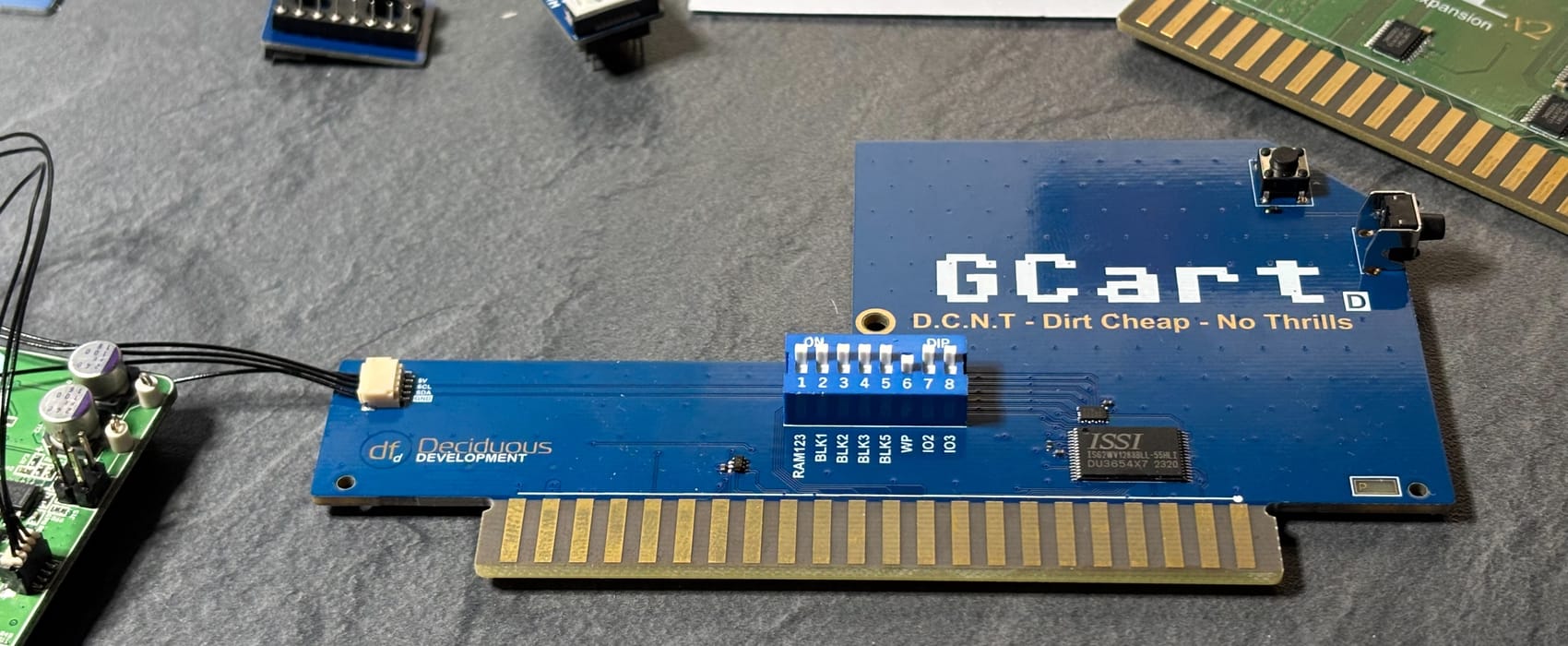
The GCart DCNT of course also have a RESET switch. It also monitors the RESET line for two additional configurations that do not requires fiddling with the DIP switches. Write protection and temporarely disabling any cartridge in BLK5 during reset. Read more here.
Ordinary warm reset
A short RESET does what it always has done. Resets the VIC 20. If the DIP switch for write protection is on BLK5 will be write protected. If there is a cartridge immage loaded into BLK5 it will autostart.
A long reset
A longer RESET (>0.5s but less than 1s) enables the write protection of BLK5 irregardless of the DIP switch.
This can be usefull when you want to load in a immage to BLK5 that auto starts.
- Let the DIP switch enable writing to BLK5
- A longer press on RESET resets the computer, but also write protects the BLK5 area, effectively treating it as ROM.
Any short press on RESET restores writes to the BLK5, and resets the VIC20.
A really long reset
A really long RESET will temporarely disable BLK5 altogether. This can be usefull after having run a cartridge in BLK5 and want to load a new one. A reset would only restart the cartridge. Normally, on other expansions, you would have to power cycle or fiddle with the DIP switches.
With GCart DCNT you just press, and release, reset for more than 1s. After releasing reset BLK5 is disabled for approxamately 1s. VIC 20 will not detect the cartridge and exit to BASIC. Now you can load a new cartridge image and reset to start it.
Isn't that neat. And all of this in one 2.5mm x 2mm IC.